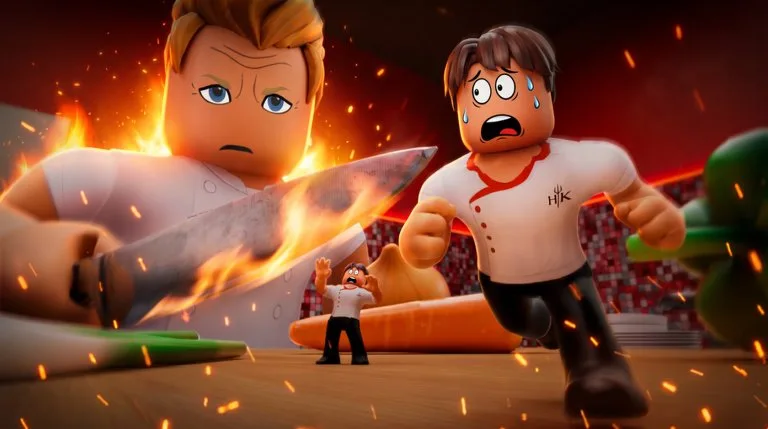
Failed gestures create raw tickets. Use this as the input reference, then return to How to Cook for station order.
Move and interact
On PC, move with WASD or your Roblox remap, look with the mouse, and jump with Space. Walk into a prompt and use the interact key. Many keyboards use E, or the on-screen prompt.
On mobile, the left stick moves and a right-side drag looks. Tap the glowing interact button only when you are inside its radius. Landscape gives chop meters more room.
Chop, mix, and blend
PC chop: hold the prompted click and move the mouse up and down through the meter. Finish one ingredient before you load the next.
Mobile chop: press and drag in the vertical motion the UI shows. A tiny jitter often fails the stroke. Slow down if Ramsay is already calling the cut raw. Fewer retries beat a faster panic.
Mix and Blend use their own guided paths. Smooth motion completes them. Spastic circles fail them. You may start a mix while a fryer runs only if that cook meter stays visible.
Heat, plate, and serve
- Interact once to start Oven, Boil, or Fry.
- Watch the bar.
- Interact again near the halfway quality window.
Do not spam interact while the bar is still low. On mobile, keep your thumb off the meter.
Open Assemble only when the components are done, then Serve at the pass. Distance matters. A mash from too far away wastes the second you saved.
Sprint, shop, and spectate
Sprint is a Robux pass and works in Standard only. Difficult disables it. On PC it is commonly a Shift-style hold, depending on your Roblox bindings. Do not sprint in the middle of a chop stroke.
Codes and power-ups use the shopping cart on the HUD. Open it, type into Enter a code…, submit, and confirm the Coin total. On mobile, check the experience menu if the cart is covered. Do not open the shop mid-chop.
After elimination you can spectate. Use that camera to call fires and disabled stations if the lobby listens, and to study how finalists pull meters. A Revive, when offered, puts you back in the same season.
Five-minute drill
- Ten clean chops with no failed stroke.
- Start a fry, mix something, and return for a halfway pull.
- Open and close the cart once.
- If you are eliminated, narrate one full service from spectate before you requeue.